Fabricating Custom Assistive Interfaces

- Description
- Curriculum
- FAQ
- Reviews
- Grade
Description:
Every year, people who can’t use a standard keyboard or mouse are locked out of communication devices, toys, computers, and environmental controls impacting their independence. This is not because the technology doesn’t exist, but because switch interfaces are expensive, hard to source, or don’t fit the person’s specific movement. This course teaches you to fabricate your own.
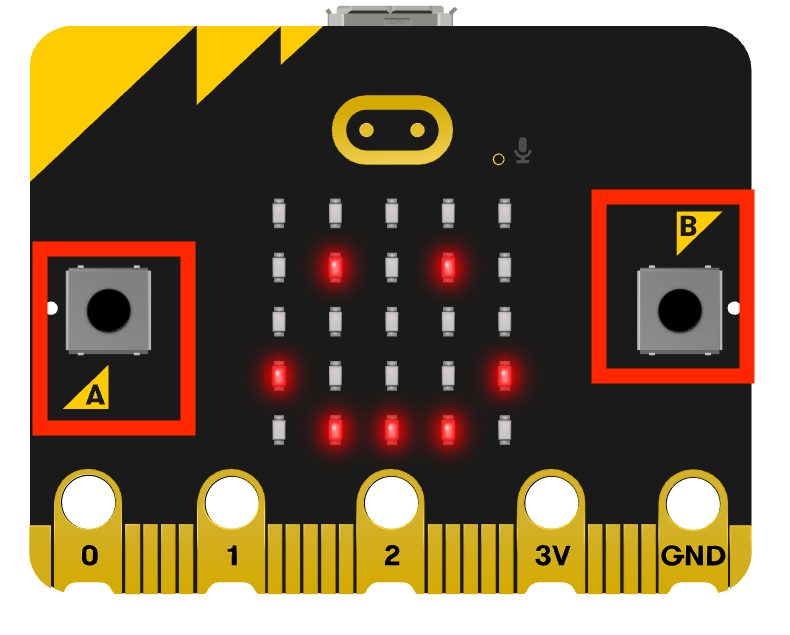
Using the BBC micro:bit, a $20 microcontroller with no soldering required, you’ll learn the core engineering concept behind every assistive switch interface and how to design a custom human- computer interface. In this course you’ll use beginner friendly block based coding to fabricate:
- a two built-in button switch interface sending keyboard commands
- An external assistive switch using conductive materials for keyboard commands
- A light based mouse click
- A touch based media player
- A tilt/ motion activated mouse cursor
Throughout this course’s 9 modules, you’ll be building background knowledge of physical computing and coding that can be carried over to more complex microcontroller projects. But for this course, no electronics background needed! Just a micro:bit, a laptop, and curiosity.
-
4
 The Micro:bit Controller
In this lesson, we will explore the available hardware and features of the micro:bit board.
-
5
Explore the Micro:bit
-
6
What is an IDE?
Learn about the programming environment for the micro:bit.
-
7
How your Work Gets Saved
An overview of the various ways to save and revisit your code.
-
8
 Touring the MakeCode Editor
An overview of the micro:bit makecode editor.
-
9
 Module 1: Comprehension CheckComplete this comprehension check.
