
Making Computer Science Educational Affordable and Accessible for Everyone
We are excited to announce the beta release of an open-source assistive technology project: a programmable switch interface device designed to help computer science students with motor impairments control their block based editors using one or two adaptive switches.
This project was made possible through the Blockly Accessibility Grant, which supports the development of open-source tools that make technology more accessible to people with disabilities. The grant has enabled us to design, test, and release this project freely to the assistive technology community and works in combination with the newly updated blockly keyboard shortcuts.
What Is This Device?
The Blockly Switch Interface is a compact, portable device that allows users to cycle through a list of keyboard shortcuts using just one or two adaptive switches (like button switches, sip-puff switches, or any standard 3.5mm mono jack switch). It is build using Circuitpython to allow access for more novice makers to complete this project and customize its settings.
How It Works:
- Switch 1 (Navigate): Cycles through a customizable list of keyboard commands
- Switch 2 (Select): Sends the currently selected command to the computer. In one switch mode, a long press starts automatic scanning through the list and short press sends the selected command.
- Built-in Display: Shows the current selection on a bright color screen
- USB Connection: Works as a standard keyboard – no special drivers needed!
Key Features:
- ✅ Two 3.5mm jack ports for connecting standard AT switches
- ✅ 3D printable enclosure
- ✅ Built-in 240×135 color TFT display showing current selection
- ✅ USB HID keyboard emulation (works with ALL computers and mobile devices)
- ✅ Fully customizable shortcut list – Configuration tool allows for adding, removing, and reordering shortcuts
- ✅ Visual Display tool – Mirrors the on device display with or without text to speech to support users with low vision
- ✅ 100% open-source – hardware, software, and designs all freely available
Total Cost: ~$35
(vs. $200-500 for commercial alternatives)
Demonstration Videos
One Switch (Auto) Scanning
Two Switch Scanning
What’s Included
The project provides everything you need to build your own device:
- CircuitPython Code – Fully commented and customizable
- 3D Printable Enclosure
- Assembly Guide – Step-by-step instructions with photos and customization instructions
- Troubleshooting Guide – Solutions to common issues
- BASI Website – Website that hosts the build instructions, Configuration, and Visual Display tools.
We Need Your Help!
This is where YOU come in. We are looking for:
🧪 Beta Testers
People to build and test this device in real-world settings:
- AT professionals who can evaluate it with clients
- Makers who can help refine the build process
- Users who can provide feedback on functionality
- Educators who can test it in classroom settings
💬 Feedback Needed On:
- Usability: Is the interface intuitive? Is the display easy to read?
- Build Process: Are the instructions clear? What’s confusing?
- Hardware: Are the components readily available? Any sourcing issues?
- Enclosure: Does the 3D printed case fit well? Any design improvements?
- Code Customization: Is it easy to modify the keycode list?
- Real-world Use: How does it perform in actual assistive technology scenarios?
- Reliability: Does it work consistently over days/weeks of use?
🔧 Specific Testing Areas:
- Switch Compatibility: Testing with various switch types (button, sip-puff, tread, etc.)
- Software Compatibility: Testing across blockly editors that support the new keyboard controls.
- Operating Systems: Testing on Windows, macOS, iOS, Linux, ChromeOS
- Accessibility Features: screen visibility and timing controls
- Edge Cases: What breaks it? What scenarios cause problems?
📝 Documentation Help:
- Video tutorials showing the build process
- Translations to other languages
- Case studies from real users
- Troubleshooting tips we haven’t thought of
- Accessibility improvements to documentation
💡 Feature Requests:
What would make this device more useful? Ideas already being considered:
- Audio feedback with buzzer
- Bluetooth mode for wireless operation
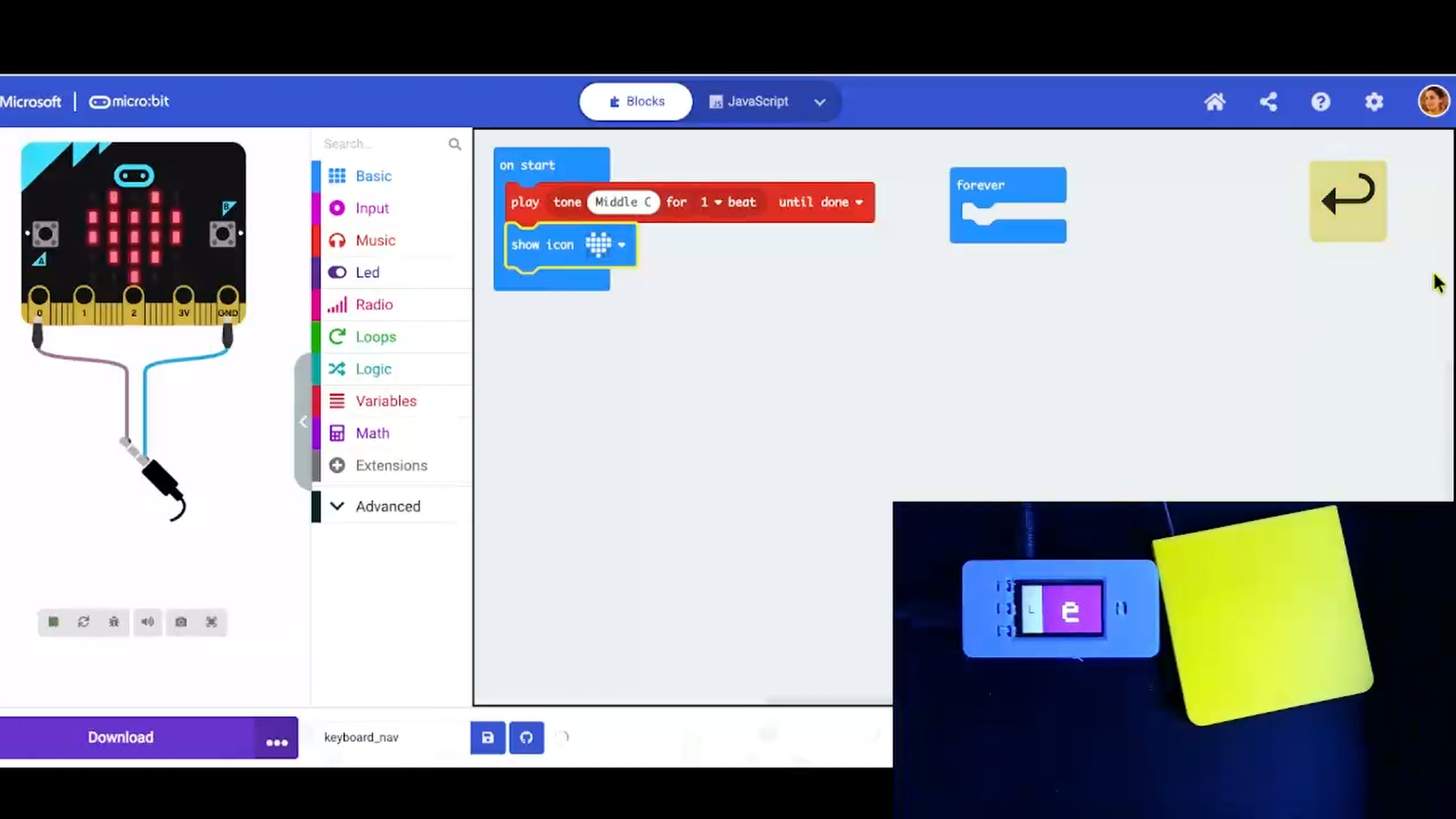
- Creating a solderless version using the micro:bit controller
How to Get Started
1. Download the Project Files
Visit the project repository: [GitHub link](newtab)
- CircuitPython code and library files
- 3D files for the case (STL)
- Troubleshooting documentation
2. Follow Build Instructions & Usage Guide
3. Share Your Feedback
Use the GitHub issues page to report your experience.
Important Safety Notes
⚠️ This is NOT a certified medical device. It’s an educational DIY project provided as-is, without warranty.
Key Safety Points:
- Not for life-critical applications
- Consult with AT professionals to support switch placement and implementation
- Test thoroughly before production use