
Teach
Explore the various teaching lessons and resources developed for common CS platforms.
-
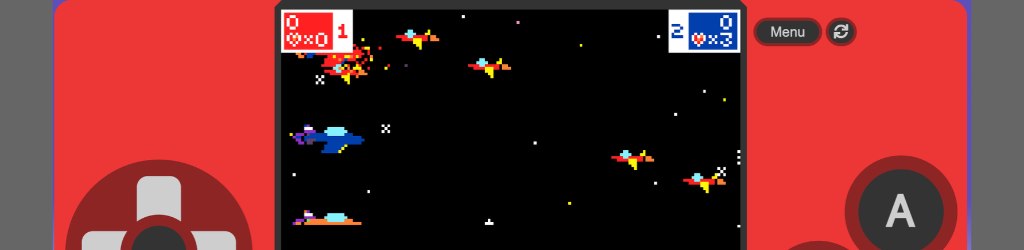
MakeCode Arcade Game Gallery
To share a game with the community, complete the provided form for review and potential addition to the Game Gallery. Ensure the submitted URL is the “Share” link, not the editor’s link.
-
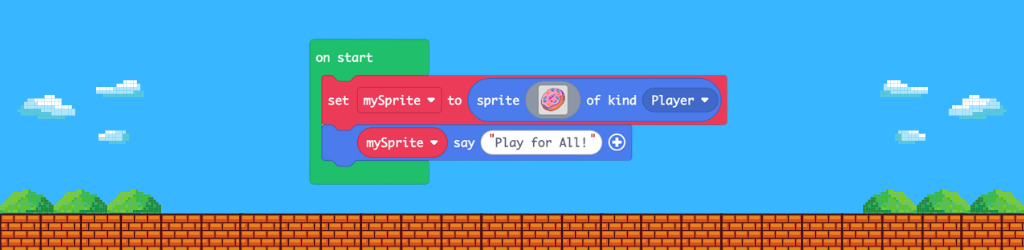
Play for All: Teaching Accessible Game Design with MakeCode Arcade
Zero Day Camp is seeking feedback on its draft curriculum, “Play for All,” a four-lesson computer science unit for grades 4-6. Students learn computational thinking by modifying a game called Catch It! to enhance accessibility. The curriculum includes lesson plans, multilingual vocabulary, and resources, aimed at diverse learners. Feedback is welcome.
-
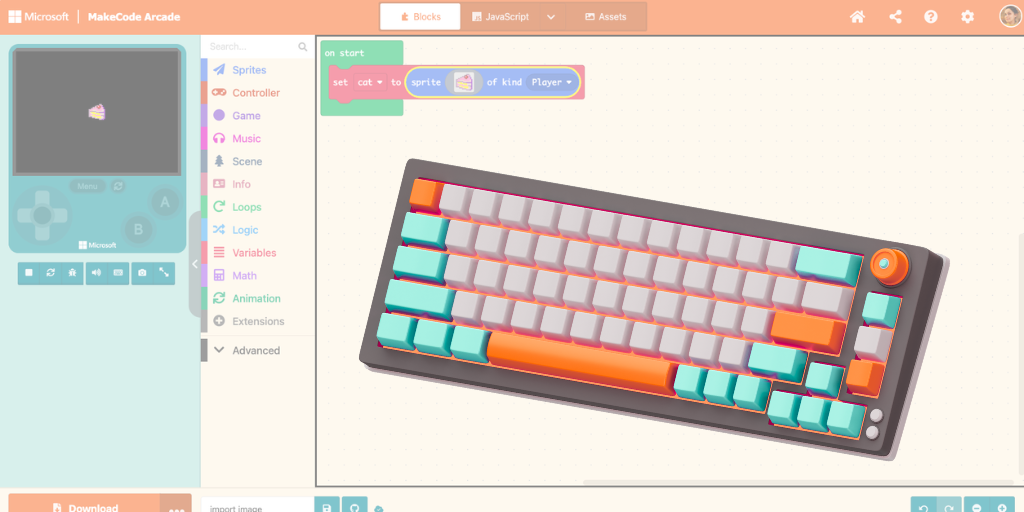
Makecode Arcade Keyboard Accessibility
Blockly has been hard at work over the past year or so working to improve accessibility. It’s latest version, V13, now supports both screen readers and full keyboard accessibility. One of our favorite tools, Makecode Arcade, has added the keyboard functionality allowing users who cannot access a mouse or struggle with cursor controls to use…
-

Volunteers Needed: Accessible CS Curriculum Testers
Are you passionate about inclusive education and eager to make a difference? We’re looking for volunteers and caregivers to join a project that empowers students with physical disabilities to explore the world of computer science! Project Overview: The NYC Metro Chapter of Makers Making Change and Kirsty McNaught are looking for families, educators, disability professionals…
-
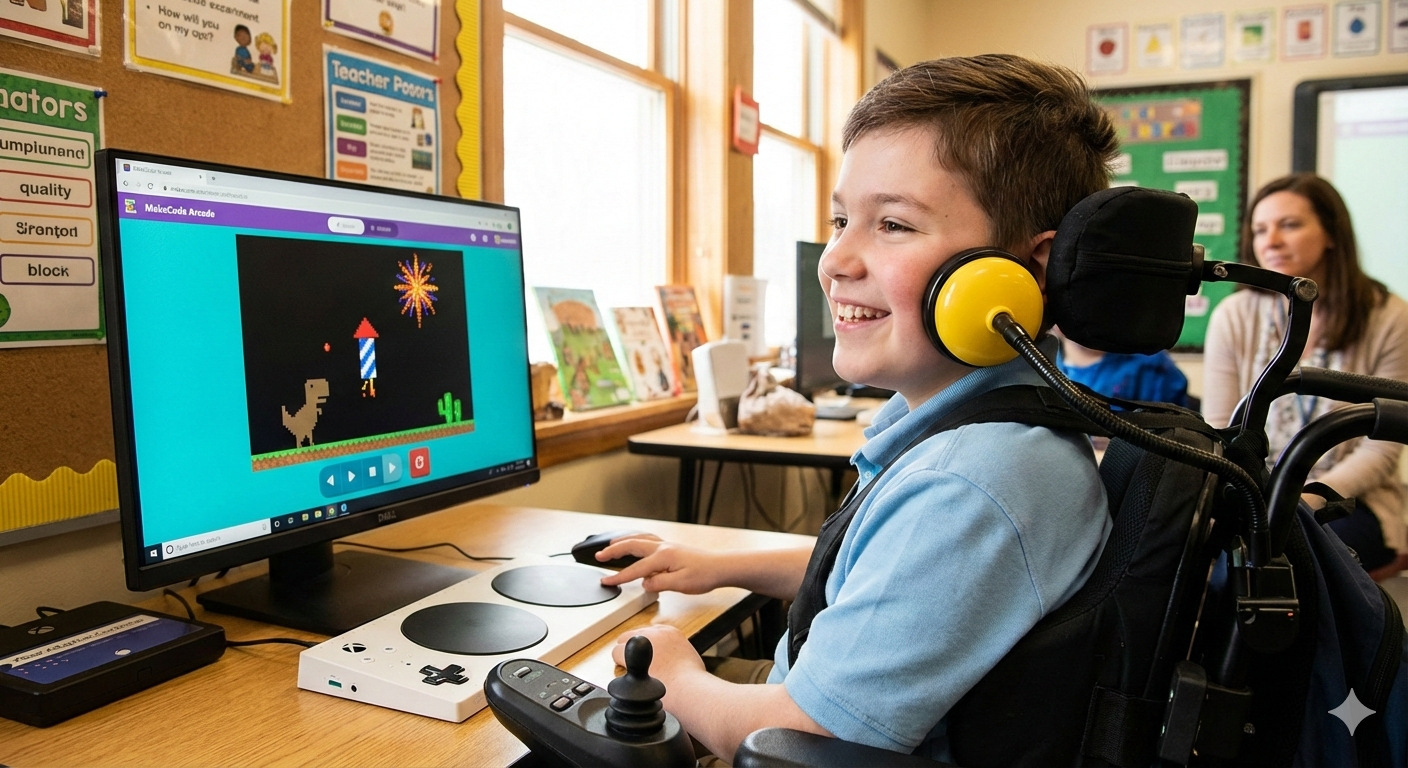
Leveling Up Accessibility: The Power of Custom Game Design for Switch Users
In the world of special education and disability services, we often talk about “access.” But access isn’t just about being in the room; it’s about having the agency to change what happens in that room. For individuals with limited mobility, adaptive gaming is one of the most joyful and effective ways to build that agency.…
-

Simplify the MakeCode Editor
The MakeCode integrated development environment (IDE) created by Microsoft is a great platform for learning computer science starting with beginner friendly block based coding and transitioning to language based programming. It is web based and open sourced, lowering the entry bar. Many flavors of MakeCode exist depending on your teaching objectives these include: The IDE…