Building a Joystick Mouse

- Description
- Notice
- Grade
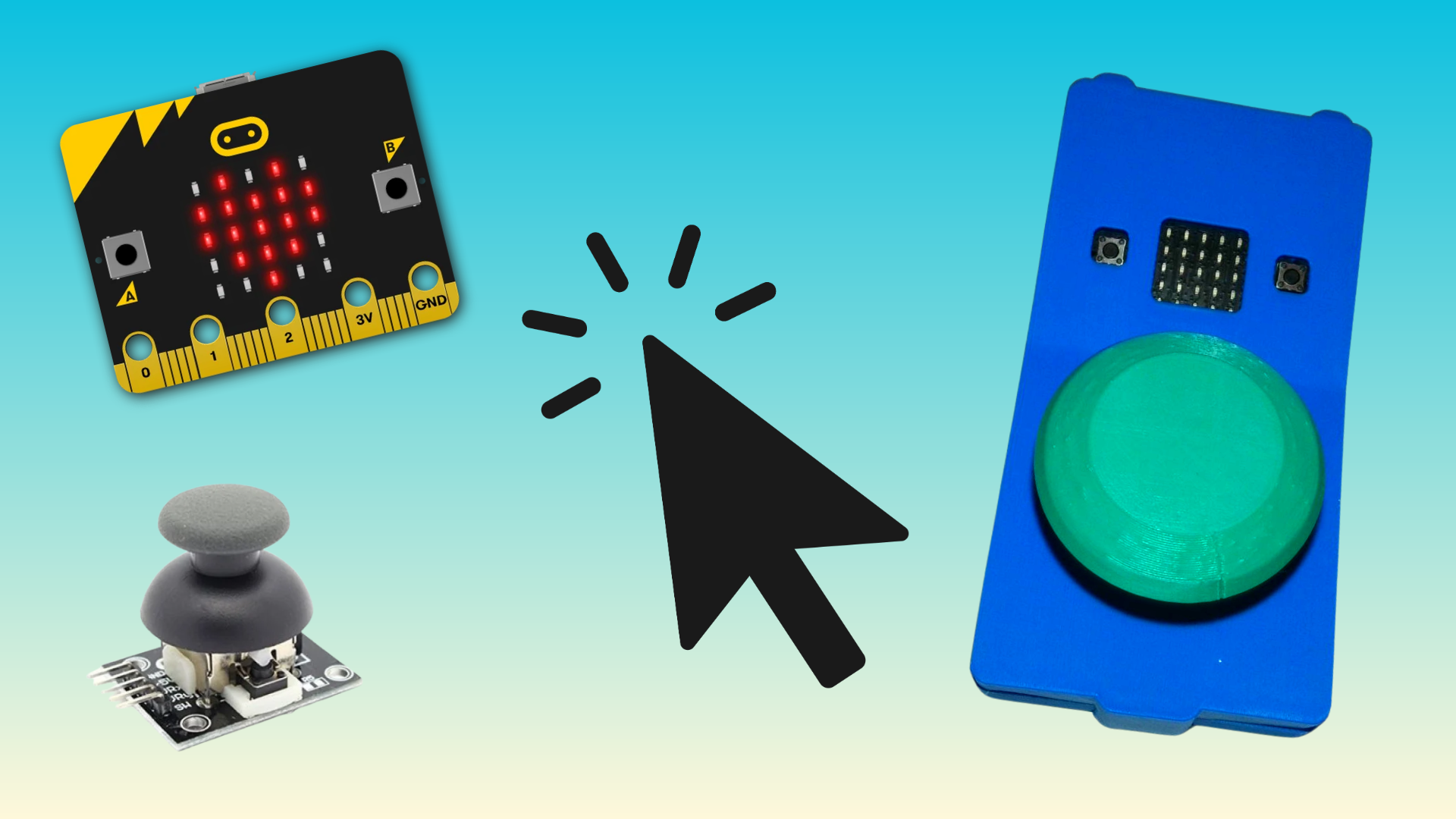
Not everyone can use a standard mouse. In this short, hands-on course, you’ll build Mouser: a low-cost joystick mouse made from a BBC micro:bit and a thumb joystick, the same kind found in game controllers. Push the joystick and the cursor moves. Press down on it and it left clicks.
You’ll connect the joystick to the micro:bit with a few jumper wires, no soldering required, and program it using MakeCode’s drag-and-drop blocks. Along the way, you’ll learn how a joystick turns a gentle push into numbers the micro:bit can read, and how the micro:bit uses Bluetooth to pretend to be a mouse your computer or tablet already understands.
By the end, you’ll have a working device you can adjust for one person’s needs: how fast the cursor moves, how much movement it ignores, and where the joystick is placed. You’ll also have the skills to build more.
3D print case files included with the course. No prior electronics or coding experience is needed.
License
Building a Mouse Joystick © 2026 by Loreto Dumitrescu is licensed under the Creative Commons Attribution-NonCommercial-ShareAlike 4.0 International License (CC BY-NC-SA 4.0). You are free to share and adapt this material for non-commercial purposes, provided you give appropriate credit, indicate if changes were made, and distribute any adapted versions under the same license. To view a copy of this license, visit https://creativecommons.org/licenses/by-nc-sa/4.0/. Third-party materials referenced in this course, including the BBC micro:bit name and logo, Microsoft MakeCode, and any linked external tools or resources, are the property of their respective owners and are not covered by this license.
AI Collaboration Disclosure
This course has been a long term project for me and would have taken even longer to bring to fruition without the use of AI. Portions of this course, including written explanations, interactive activities, and assessment questions, were developed in collaboration with Claude, an AI assistant made by Anthropic. I personally directed, reviewed, edited, and tested the output making edits as needed.
A Note on Accessibility
Like much of web based content accessibility is and remains a barrier. I have attempted to make as much of this course accessible to keyboard and screen reader users but am aware of active areas that need addressing. I have raised these issues with the LMS tool used to develop this and future courses and am told they are under development. Please reach out with any accessibility concerns so we can together create a better product for all.
Attribution
This course was made possible thanks to the help of Bill Siever who developed the micro:bit extensions (BLE HID and Sleep Util) that drive this project. Additional thanks and guidance to PrintLab for their support in developing the 3D printed case.
No prior knowledge or soldering skills required. All skill levels are welcome.
What You'll Need
-
BBC micro:bit v2 Go Pack (includes board, battery pack, and USB cable)
-
PS2-style analog thumb joystick module (with five pins labeled GND, +5V, VRx, VRy, and SW)
-
(5) female jumper wires
- (5) M4 nylon bolts
- (4) M3 screws
- 3D printed case (files included with course)
-
A computer with Google Chrome or Microsoft Edge for programming in MakeCode (makecode.microbit.org)
-
A Bluetooth-capable computer or tablet to use Mouser as a mouse (this can be the same computer)
This course is for people who support individuals with limited hand function, or who are curious about making assistive technology themselves, including:
-
Occupational therapists and speech-language pathologists exploring alternative computer access for clients
-
Assistive technology coordinators and special education staff looking for low-cost, adaptable options
-
Parents and caregivers who want to build or customize a device at home
-
Makers, educators, and STEM club leaders interested in accessible design


