Fabricating Custom Assistive Interfaces

- Description
- Curriculum
- FAQ
- Notice
- Grade
Description:
Every year, people who can’t use a standard keyboard or mouse are locked out of communication devices, toys, computers, and environmental controls impacting their independence. This is not because the technology doesn’t exist, but because switch interfaces are expensive, hard to source, or don’t fit the person’s specific movement. This course teaches you to fabricate your own.
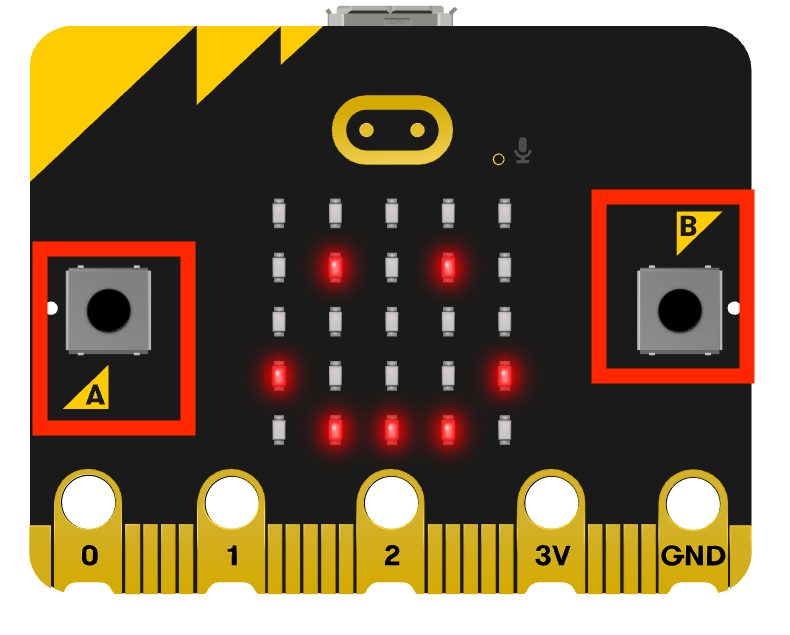
Using the BBC micro:bit, a $20 microcontroller with no soldering required, you’ll learn the core engineering concept behind every assistive switch interface and how to design a custom human- computer interface. In this course you’ll use beginner friendly block based coding to fabricate:
- a two built-in button switch interface sending keyboard commands
- An external assistive switch using conductive materials for keyboard commands
- A light based mouse click
- A touch based media player
- A tilt/ motion activated mouse cursor
Throughout this course’s 9 modules, you’ll be building background knowledge of physical computing and coding that can be carried over to more complex microcontroller projects. But for this course, no electronics background needed! Just a micro:bit, a laptop, and curiosity.


License
Fabricating Custom Assistive Interfaces © 2026 by Loreto Dumitrescu is licensed under the Creative Commons Attribution-NonCommercial-ShareAlike 4.0 International License (CC BY-NC-SA 4.0). You are free to share and adapt this material for non-commercial purposes, provided you give appropriate credit, indicate if changes were made, and distribute any adapted versions under the same license. To view a copy of this license, visit https://creativecommons.org/licenses/by-nc-sa/4.0/. Third-party materials referenced in this course, including the BBC micro:bit name and logo, Microsoft MakeCode, and any linked external tools or resources, are the property of their respective owners and are not covered by this license.
AI Collaboration Disclosure
This course has been a long term project for me and would have taken even longer to bring to fruition without the use of AI. Portions of this course, including written explanations, interactive activities, and assessment questions, were developed in collaboration with Claude, an AI assistant made by Anthropic. I personally directed, reviewed, edited, and tested the output making edits as needed.
A Note on Accessibility
Like much of web based content accessibility is and remains a barrier. I have attempted to make as much of this course accessible to keyboard and screen reader users but am aware of active areas that need addressing. I have raised these issues with the LMS tool used to develop this and future courses and am told they are under development. Please reach out with any accessibility concerns so we can together create a better product for all.